

Construction projects rarely fail because of a single bad decision. They fail because small delays stack up, tasks fall out of sequence, and no one catches the problem until it is too late. That is where CPM tools change the game. Critical Path Method software gives your team a clear view of every task, dependency, and deadline across the entire project lifecycle. Instead of reacting to problems after they surface, you get the structure to stay ahead of them. This guide breaks down how CPM tools work, what features matter most, and how to carry them out without the common headaches.
What CPM Tools Actually Do for Construction Management
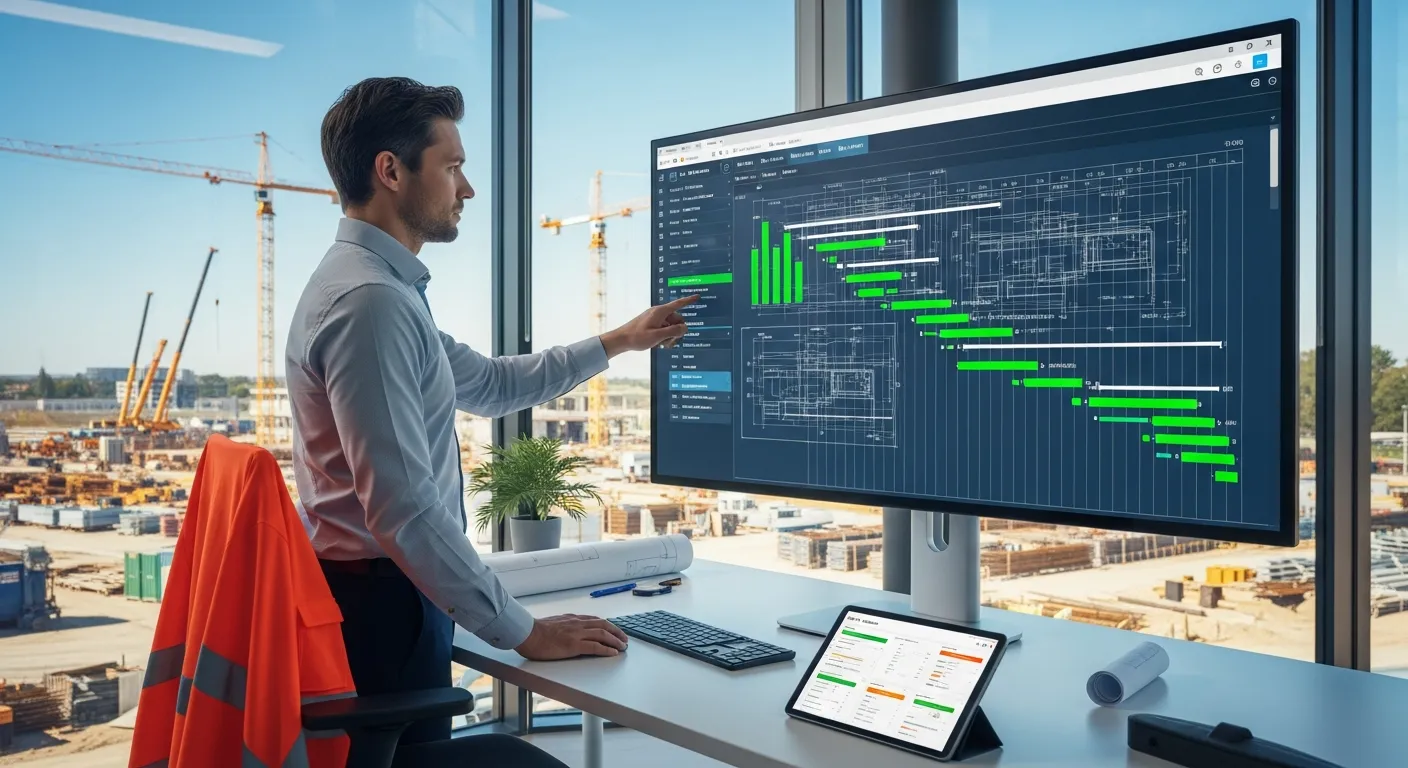
CPM tools do more than draw Gantt charts. At their core, they map every task in your project, identify which tasks are directly linked, and calculate the longest sequence of dependent activities that determines your project's earliest possible finish date. That sequence is your critical path, and it is the backbone of every scheduling decision you make.
For construction management specifically, this matters a great deal. A concrete pour cannot happen before the formwork is set. MEP rough-ins cannot start until framing is complete. CPM tools capture those dependencies and make them visible to your entire team, so no one works from outdated assumptions.
A CPM-based construction scheduling platform also gives project managers something traditional spreadsheets simply cannot: the ability to model "what if" scenarios. What happens if a steel delivery is delayed by ten days? The software recalculates the entire schedule and shows you exactly which downstream tasks are affected. You get answers in seconds instead of hours, and you can share those updates with stakeholders before they even ask.
Beyond scheduling, CPM tools serve as a communication layer. They connect field teams, subcontractors, and office staff around a single source of project truth. That reduces miscommunication, limits rework, and keeps accountability clear across every phase of construction.
Core Features That Make a CPM Tool Worth Using
Not every CPM tool delivers the same value. Some offer a polished interface but lack depth. Others have powerful engines buried under a frustrating user experience. To get real returns from your investment, you need to know which features actually move the needle.
Schedule Quality and Critical Path Analysis
A high-quality CPM tool should identify your critical path automatically and flag any schedule logic errors before they cause downstream problems. Look for features like float calculation, which tells you how much flexibility exists in non-critical tasks, and lag/lead time controls, which let you fine-tune dependencies with precision.
Schedule quality analysis is equally important. The best tools run automated checks for missing logic links, out-of-sequence work, and open-ended tasks that have no successors. These checks act as a quality filter for your baseline schedule, so you start every project on solid ground rather than with a plan full of hidden gaps.
Real-Time Progress Monitoring and Reporting
A schedule is only useful if it reflects reality. Real-time progress monitoring allows you to update actual versus planned performance as work happens, not at the end of the week. This keeps your critical path current and gives supervisors the data they need to make fast, informed decisions in the field.
Reporting features matter just as much. You need dashboards that translate schedule data into clear visuals for executives, and detailed logs for project managers. Look for customizable reports, earned value metrics, and automatic alerts for tasks that approach their deadlines. These features keep every stakeholder informed without requiring someone to manually compile updates.
How to Choose the Right CPM Tool for Your Projects
The right CPM tool for a large commercial contractor is not necessarily the right tool for a mid-size residential builder. Project size, team structure, contract requirements, and technical capacity all play a role in which solution fits best.
Start by defining your project complexity. If your projects involve hundreds of interconnected activities, subcontractors from multiple trades, and contract milestones with financial consequences, you need a tool with deep scheduling logic, resource management, and version control. If your projects are smaller in scope, a leaner tool with a shorter learning curve may serve you better.
Next, consider integration. Your CPM tool should connect with the other software your team already uses, whether that is your project management platform, accounting system, or document control software. Disconnected tools create data silos, and data silos create the exact miscommunication that CPM is meant to solve.
Also evaluate the vendor's support and training resources. Even a well-designed tool delivers poor results if your team lacks the knowledge to use it correctly. Look for onboarding materials, live support, and an active user community. A vendor that invests in your success reduces your ramp-up time and increases the likelihood that your team will actually adopt the tool rather than revert to spreadsheets.
Finally, request a trial or pilot on a real project before you commit. Real-world use reveals workflow friction that no product demo ever shows.
Common Pitfalls When Implementing CPM Software — and How to Avoid Them
CPM software can transform construction management, but only if you carry out it thoughtfully. Many teams invest in the right tool and still fail to get results, often for the same predictable reasons.
The first pitfall is over-complexity at the start. New users frequently build schedules with thousands of activities when a few hundred would suffice. An overly detailed schedule is harder to maintain, harder to communicate, and harder to update in real time. Start with a level of detail that your team can realistically manage, then add granularity as your process matures.
The second pitfall is neglecting schedule updates. A CPM schedule that only gets updated monthly is essentially a static document. It loses its value fast. Build a clear update cadence into your project workflow, assign ownership for data entry, and treat schedule updates as non-negotiable rather than optional. Weekly updates are a reasonable baseline for most construction projects.
The third pitfall is poor stakeholder alignment. Project owners, subcontractors, and field supervisors all need to understand how to read and interpret the schedule you produce. If your CPM output is too technical for key stakeholders to engage with, you lose the collaborative benefit the tool is designed to provide. Invest time in training and use simplified visual outputs for stakeholders who are not schedulers by trade.
Avoid these traps from the start, and your CPM implementation will deliver real value instead of becoming another underused software license.
Conclusion
CPM tools give construction teams a structured, data-driven way to manage complexity, protect timelines, and keep every stakeholder aligned. The key is choosing a tool that fits your project scale, using its features consistently, and sidestepping the implementation mistakes that derail adoption. Get those three things right, and you will spend far less time firefighting and far more time delivering projects that finish on schedule.


